Photography Tips
How to Choose a Photo That Prints Beautifully on Canvas
By Aura Canvas · · Updated · 4 min read
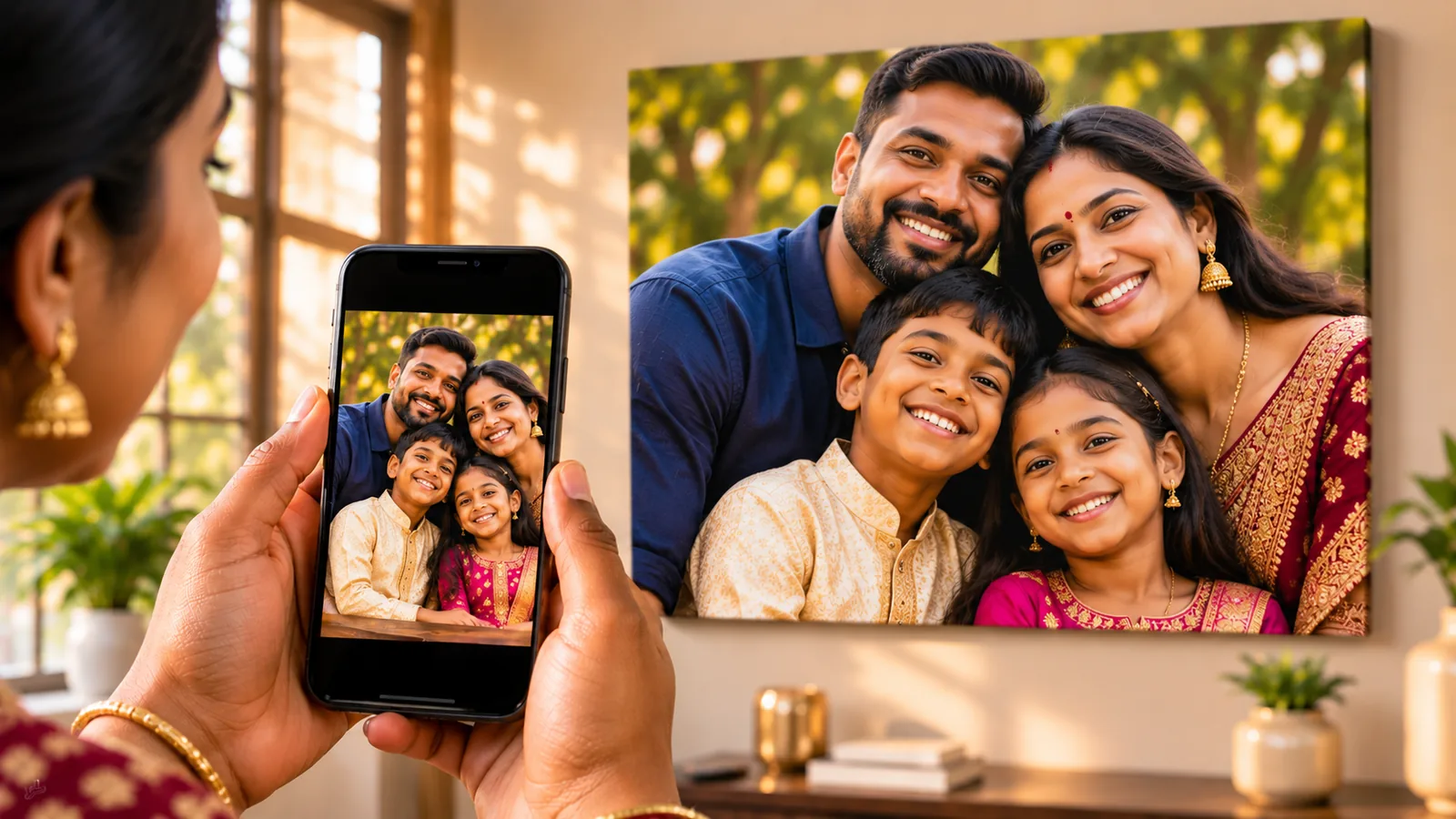
A photo prints beautifully on canvas when it is the original, full resolution file, taken in good natural light, with the main subject in sharp focus. The single most important step is to upload the original from your phone or camera, never a screenshot or a copy forwarded on WhatsApp.
You do not need a professional camera to create a stunning canvas. Most modern phones capture more than enough detail. What matters is choosing the right image and the right version of that image. This guide explains how.
Why does the original file matter so much?
The original file matters because every time a photo is shared through a messaging app or social media, it is compressed. Detail is discarded to make the file smaller, and that lost detail cannot be recovered.
A photo straight from a modern phone is often 3000 to 4000 pixels on its long edge. The same photo forwarded on WhatsApp is commonly reduced to around 1600 pixels, and a screenshot may be smaller still. On a phone screen the difference is invisible. On a canvas, it is the difference between crisp and soft.
Where to find the original:
- Your own photo: upload it directly from your camera roll or gallery.
- Someone else's photo: ask them to send it as a document or file in WhatsApp, by email, or through a cloud link, rather than as a normal photo message.
- Professional photos: ask your photographer for the full resolution download.
What resolution do I need for each canvas size?
You need enough pixels on the long edge of your photo for the size you choose. Our guidance is based on 150 DPI, which gives a beautiful result at normal viewing distance.
| Size | Dimensions | Recommended long edge |
|---|---|---|
| A5 | 14.8 x 21 cm | 1240 px |
| A4 | 21 x 29.7 cm | 1754 px |
| A3 | 29.7 x 42 cm | 2480 px |
| A2 | 42 x 59.4 cm | 3508 px |
| A1 | 59.4 x 84.1 cm | 4967 px |
| A0 | 84.1 x 118.9 cm | 7022 px |
Our order page reads your photo the moment you upload it and tells you how it will print at your chosen size. If it may look soft, we suggest the largest size where it will print well. You can always continue, and we personally review every image before printing.
Large canvases are viewed from further away, so a photo slightly below the recommendation can still look lovely at A1 or A0. The order page will tell you honestly when that is the case.
How does light affect a canvas print?
Light shapes everything. Soft, natural light produces gentle skin tones, smooth gradients and rich detail, all of which translate beautifully to canvas.
The best light for portraits:
- Open shade on a bright day, such as a covered patio or the shady side of a building.
- Window light indoors, with the subject facing the window.
- Golden hour, the hour after sunrise and before sunset, for warm, glowing tones.
Harsh midday sun creates deep shadows and squinting. Dim indoor light forces the phone to brighten the image digitally, which adds grain that becomes visible on a large print.
What makes a photo look good on a wall?
A photo looks good on a wall when it has a clear subject, a simple background and genuine emotion. Canvas is generous to images with presence and unforgiving to clutter.
Before you choose, ask yourself:
- Is the main subject in sharp focus? Zoom in on the eyes. If they are crisp, you are in good hands.
- Is the background calm? Busy backgrounds compete with the people you love.
- Is there room around the subject? Canvas wraps slightly around the edges, so avoid cropping heads or hands right at the border.
- Does it make you feel something? The best canvas is rarely the most technically perfect photo. It is the one you cannot stop looking at.
The best canvas is rarely the most technically perfect photo. It is the one you cannot stop looking at.
Can I use an old printed photo?
Yes. Older printed photos can make beautiful heritage canvases. Scan them at the highest resolution available, ideally 600 DPI or more. If you do not have a scanner, photograph the print in soft daylight, holding the phone directly above it so the image is square and free of glare.
Scanned prints usually suit smaller sizes, such as A4 or A3. Our order page will guide you.
What about iPhone HEIC photos?
Some iPhones save photos in a format called HEIC, which is not accepted on our order page. You can export the photo as a JPG, or change the setting on your iPhone under Camera, then Formats, then Most Compatible. Photos taken after that change are saved as JPG.
Should I edit my photo before ordering?
Light editing is welcome, but keep it gentle. Small adjustments to brightness and straightening are fine. Heavy filters, strong sharpening and beauty effects often look exaggerated at canvas scale.
If you would like us to crop to part of the image, add a note for our team on the order page, such as "please crop to just the two of us".
Frequently asked questions
Can I print a photo taken on my phone?
Yes. Most modern phones capture enough detail for sizes up to A2, and often larger. Always upload the original file from your camera roll.
Why does my photo look sharp on my phone but may print softly?
Phone screens are small, so they hide missing detail. A canvas enlarges every pixel, which reveals compression from messaging apps and screenshots.
Will you tell me if my photo is not good enough?
Yes. The order page checks your photo as you upload it, and we review every image before printing. If we have concerns, we contact you first.